01
Workflow integration
Connect your drone operations with existing enterprise workflows through FlytBase and lift operational efficiency.
Deploy fully automated, secure docked drone operations for enterprise applications. Lightweight, IP55-rated, and built for 24/7 missions across mapping, security, and inspection.
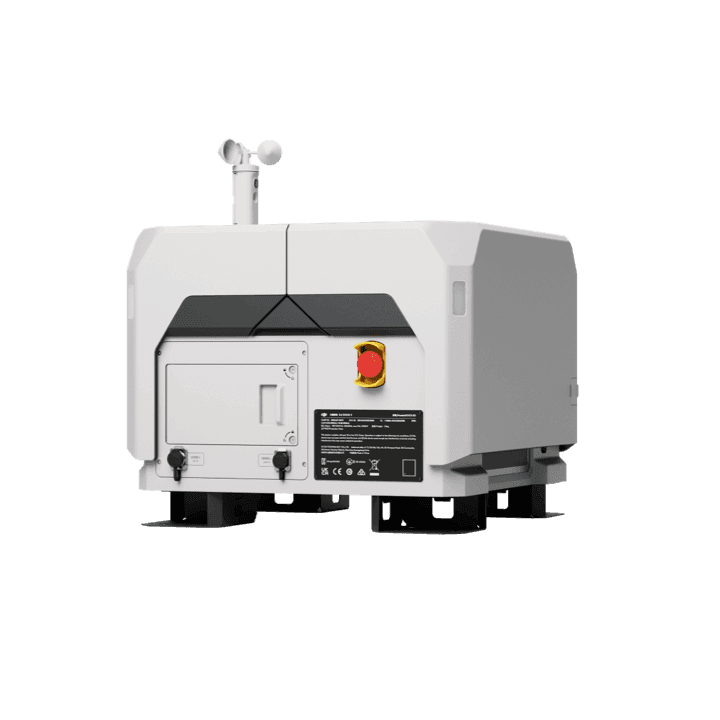
With IP55 dust and waterproof protection, the DJI Dock 2 is a lightweight and robust solution, weighing only 34 kg. It guarantees efficient drone operations with rapid charging, improved landing stability, and a built-in backup battery for over 5 hours of continuous use — ideal for industries demanding accurate mapping and surveying.
Compatible drones
DJI Matrice 3D · Matrice 3TD
FlytBase seamlessly integrates with DJI Dock 2, providing workflow integration, flight automation, fleet management, flight safety, and robust data security for efficient drone operations.
01
Connect your drone operations with existing enterprise workflows through FlytBase and lift operational efficiency.
02
Plan and schedule missions in advance and streamline autonomous drone operations with minimal human intervention.
03
Register multiple drones and docks and manage your fleet from the Fleet View section on the platform.
04
Customisable checklists, failsafe protocols, and collision avoidance. Real-time sensor data drives safe navigation.
05
Multi-layered security with encryption at rest and in transit, secure transfer, and application-level controls.

A direct line into the DJI Enterprise product team — early access, joint solutioning, and continuity assurances you can build a business on.
Existing capabilities continue to function across updates, so your operations stay uninterrupted.
See and integrate new capabilities ahead of general availability, then go-to-market faster.
Close collaboration with the DJI Enterprise product team ensures prompt resolution on hardware issues.
Joint support on complex deployments, including ones that need DJI API/SDK changes.
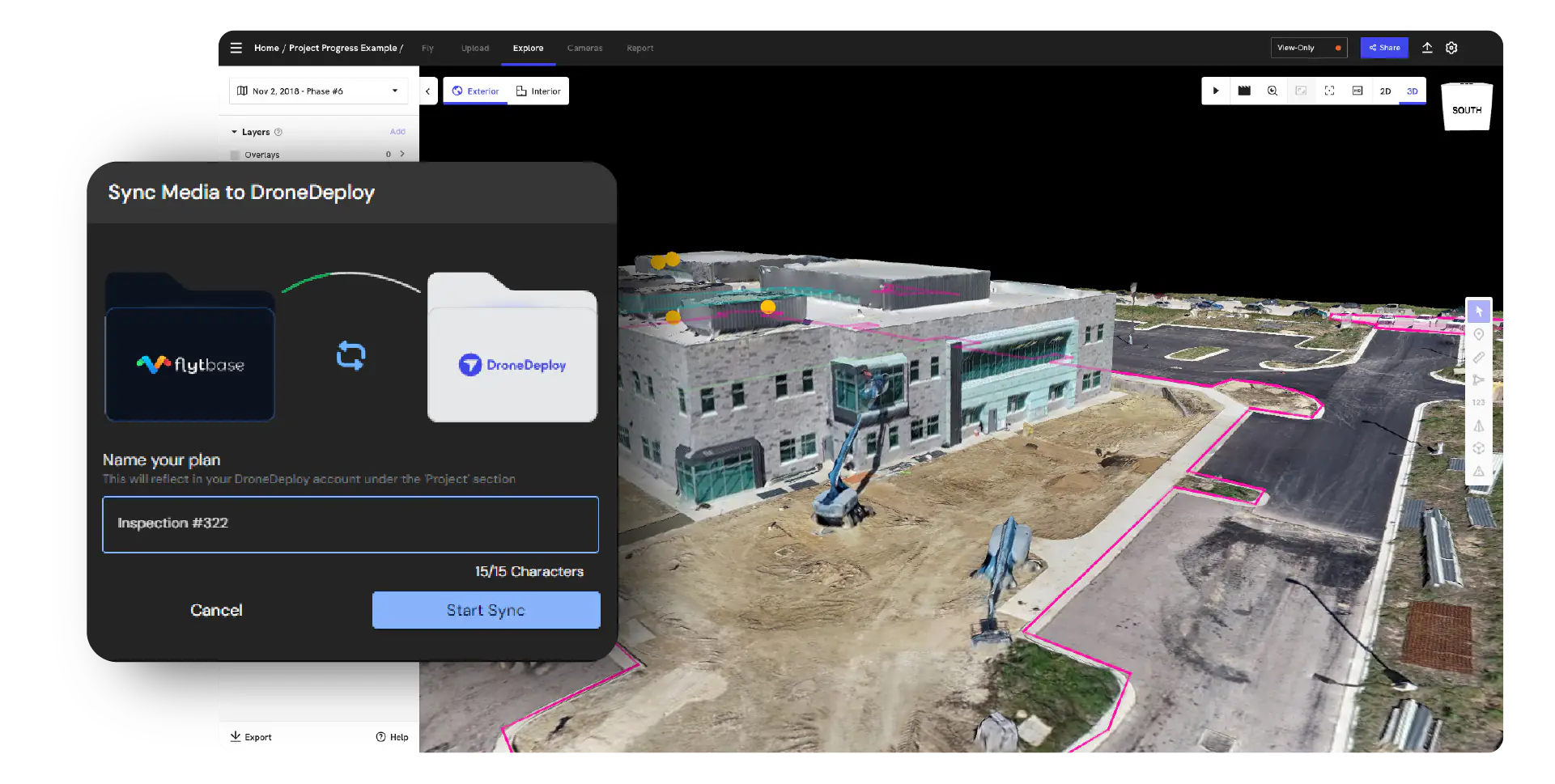
Precise mapping and accurate data collection across construction, mining, and infrastructure sites.


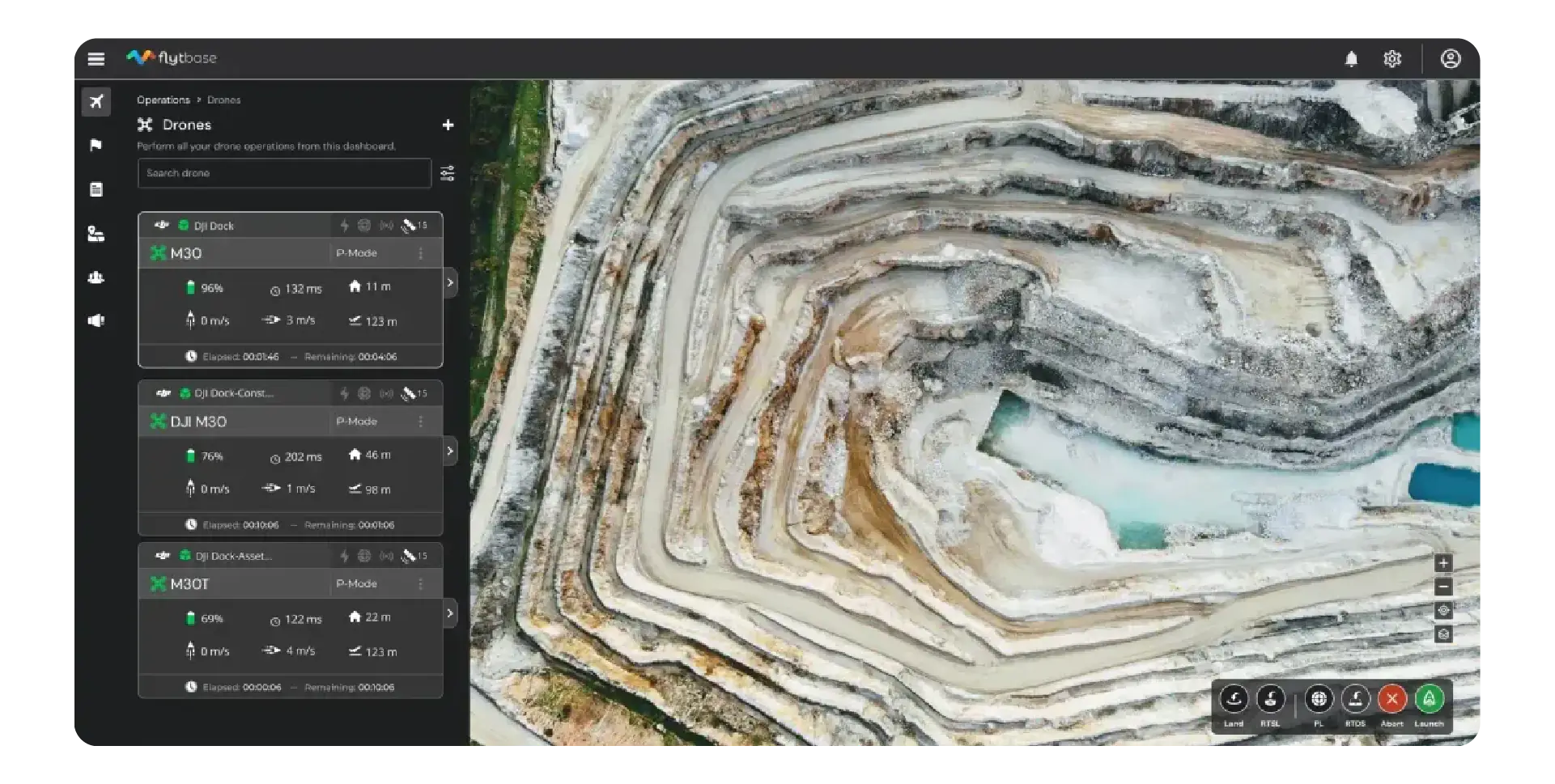
Continuous surveillance with DJI Dock 2 — safety and situational awareness across perimeters and high-value assets.



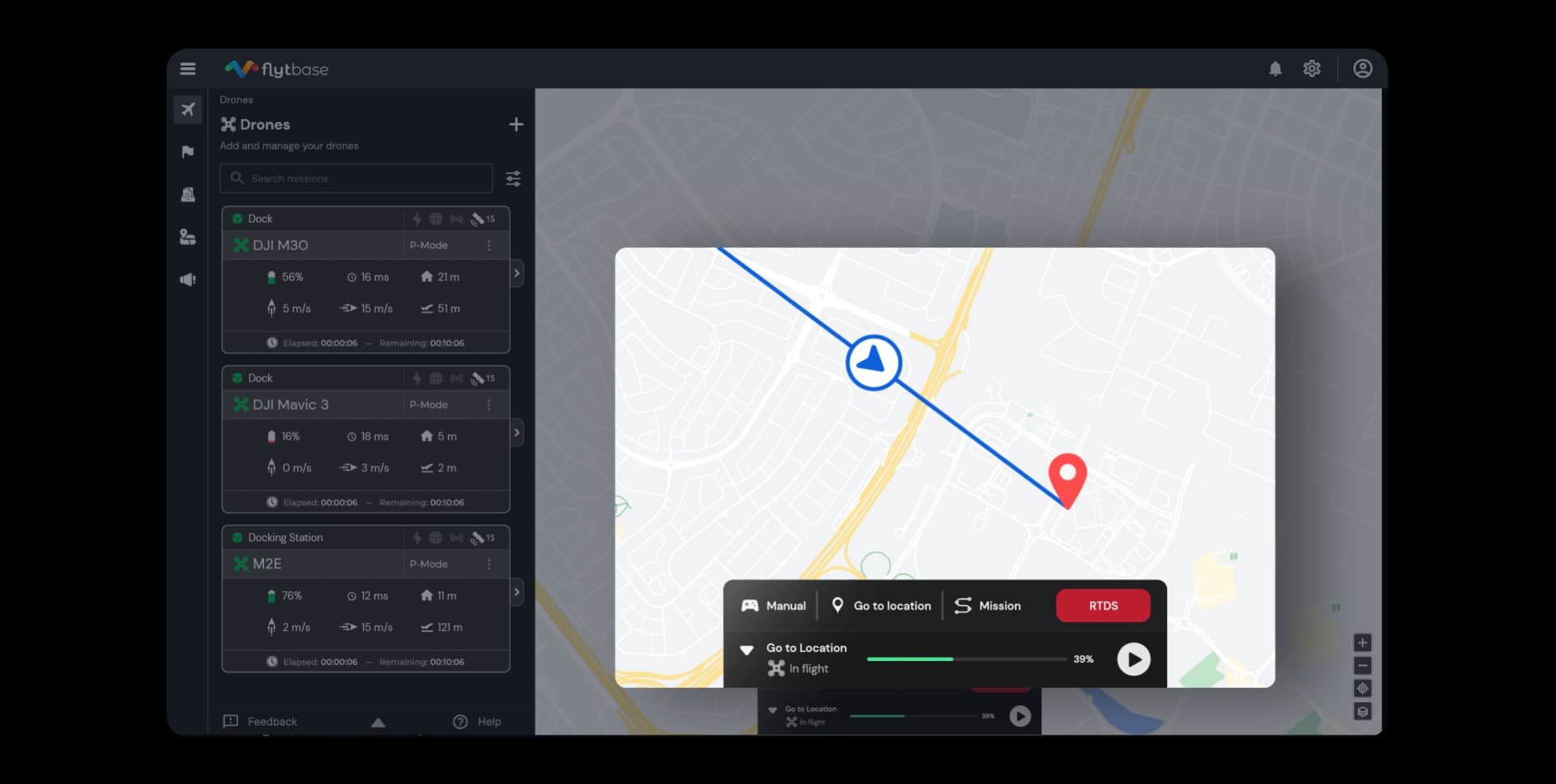
Stand up a DFR programme with DJI Dock 2 for situational awareness and remote operational control.

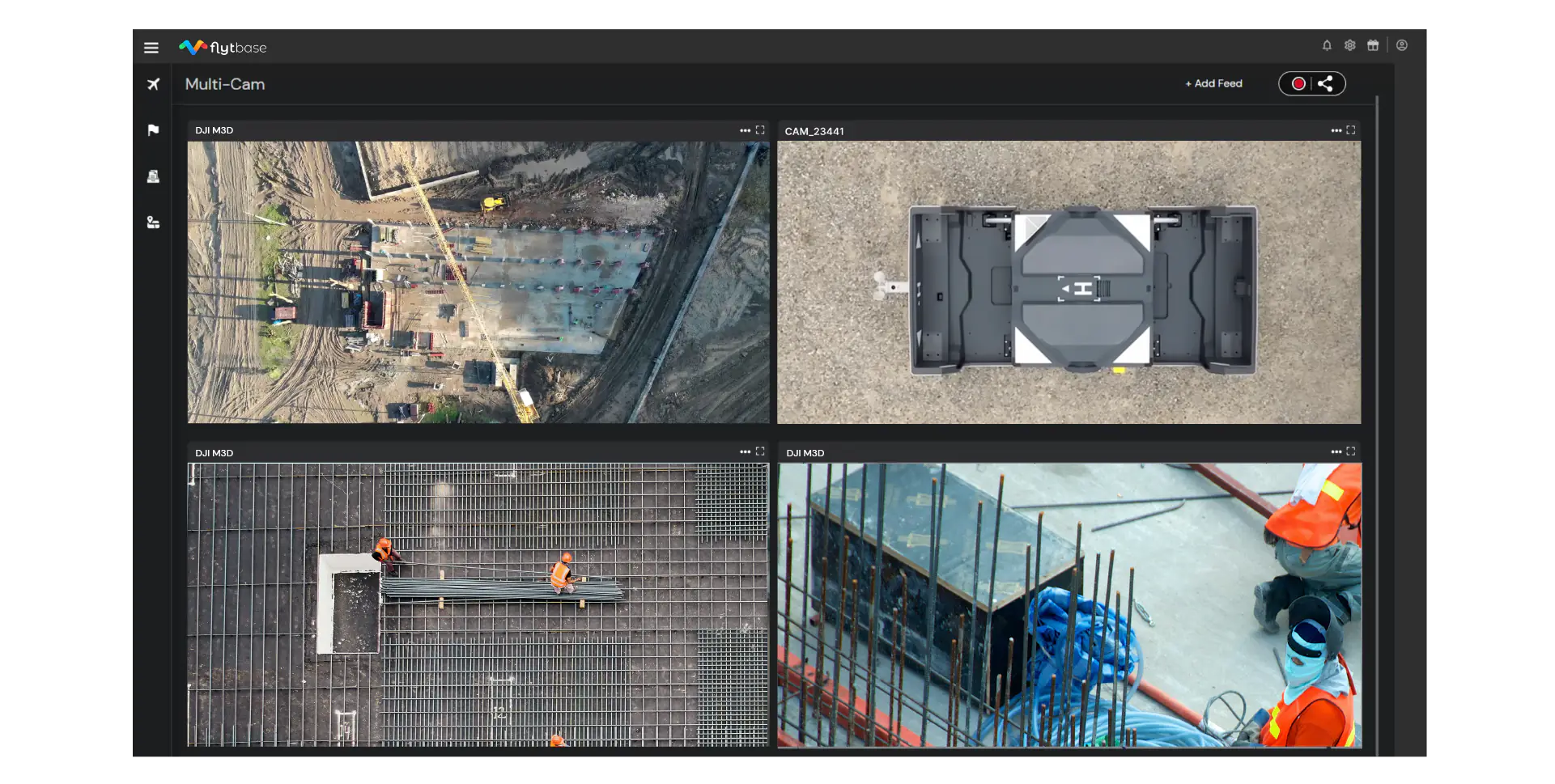
Automatically monitor site progress with real-time capture across construction and mining operations.


Streamline BVLOS drone operations by integrating FlytBase with DJI Dock 2 — parachute recovery, detect-and-avoid, ADS-B, and UTM coverage.
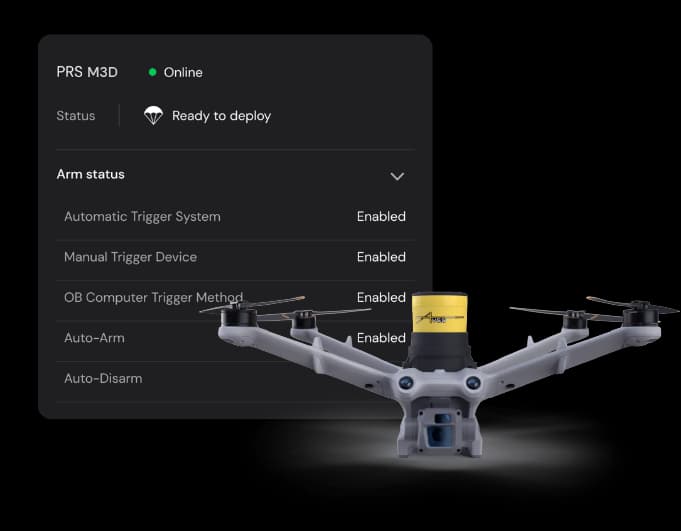
On system failure, FlytBase triggers an integrated parachute recovery system for a safe landing.
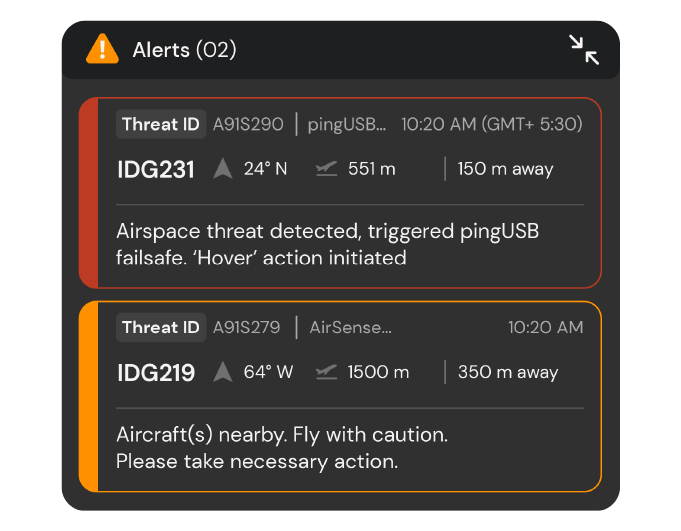
Detect intrusions on the FlytBase dashboard with real-time data on intrusive aircraft, including live telemetry.
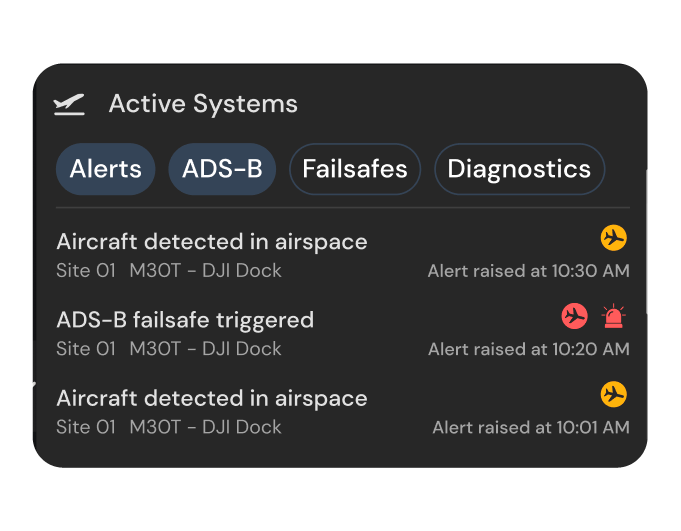
Real-time alerts on conflicts with nearby ADS-B-equipped aircraft for safer autonomous operations.
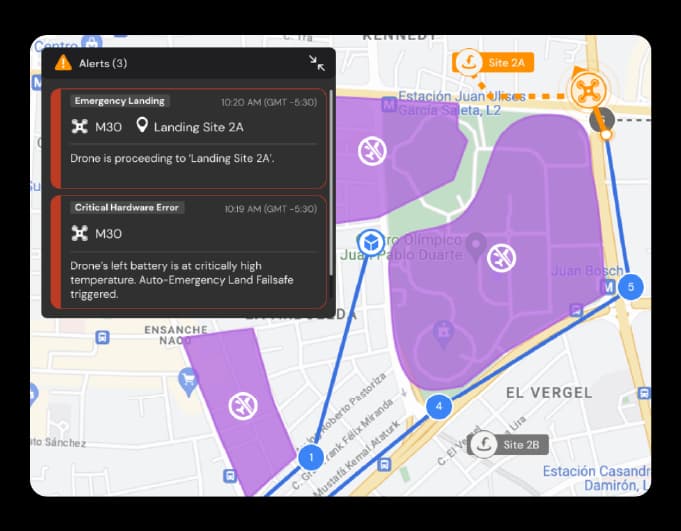
Integrate with UTM providers for real-time airspace awareness, legal compliance, and crewed-traffic separation.
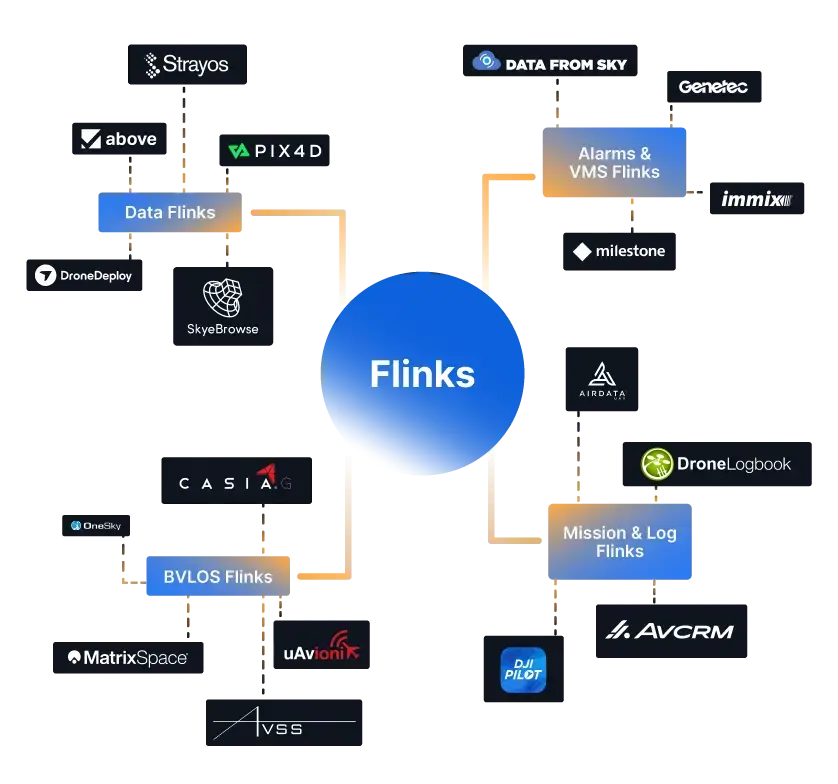
Unlock the power of Flinks (FlytBase Links) for drone docks alongside DJI Dock 2. Seamlessly integrate the platform with your preferred apps, devices, and modules. Build automation flows with triggers and actions to reduce manual effort and lift efficiency.
Speak to our experts for a deployment-shaped consultation. We will scope, scale, and stand up the right autonomy programme for your site.